Updated
2026-07-10
VI2 VIGI VI2 · Vigilance 2

Vigilance 2 (VI2)

Vigilance 2 — SkyTest code VI2 — measures how quickly you detect four different changes in the behaviour of a single object orbiting a circle, and report each with the correct button. Its stimulus pattern is richer than VI1's; rule tracking and reaction speed are tested together.

Vigilance 2
CadetPrep mapping
VIGI
What is it?

What does this module measure?

VI2 uses a richer stimulus pattern than VI1 and makes rule tracking harder.

CadetPrep's VIGI simulation approaches the real exam load with JUMP, TURN, COLOR, and SHAPE logic.

How to play

How to play

1. Watch the object

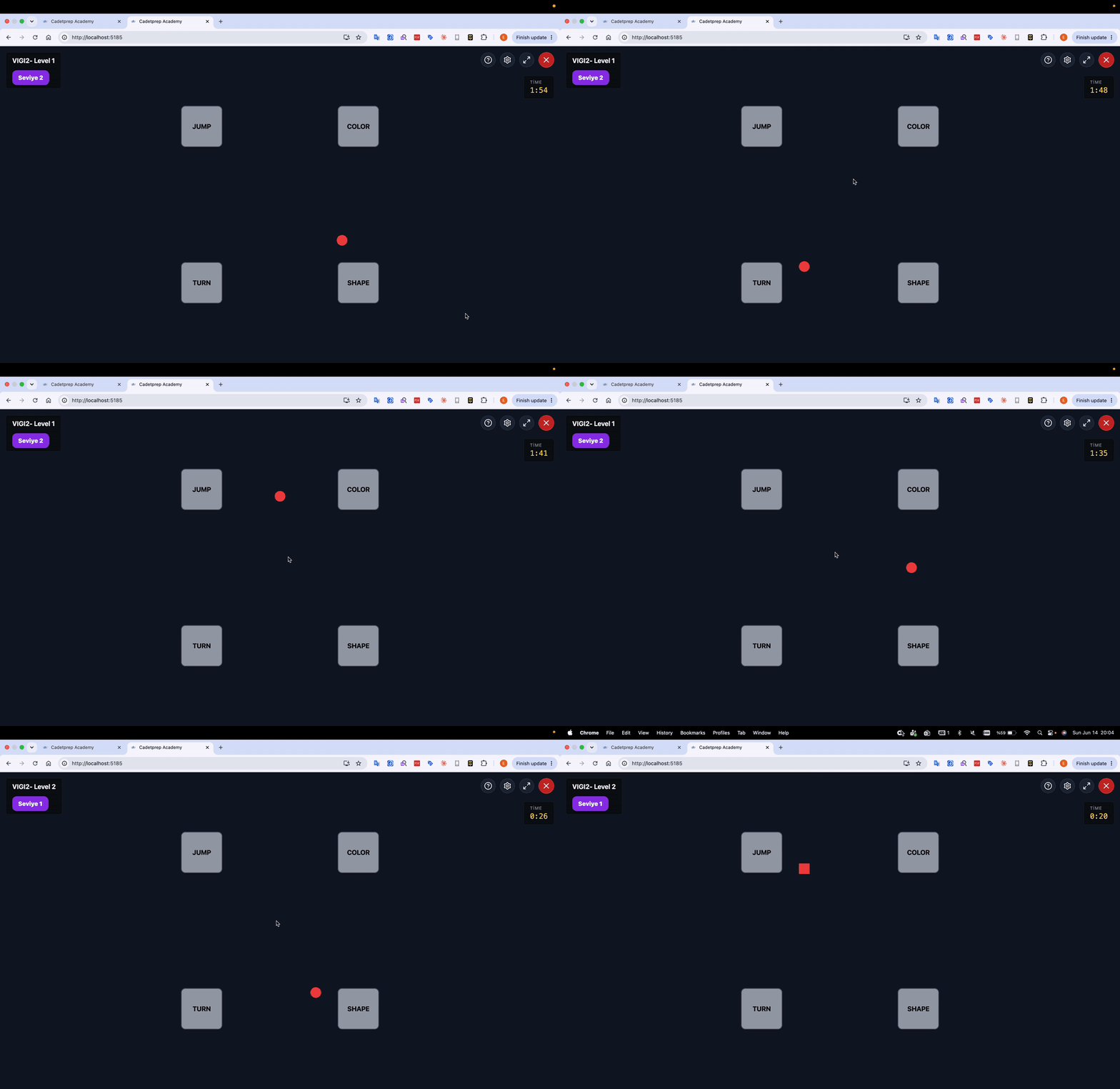
A small shape (circle, square or triangle, in one of five colours) steps clockwise or counter-clockwise through 12 positions on an invisible ring. Four buttons sit in the corners of the screen: JUMP (top-left), COLOR (top-right), TURN (bottom-left), SHAPE (bottom-right).
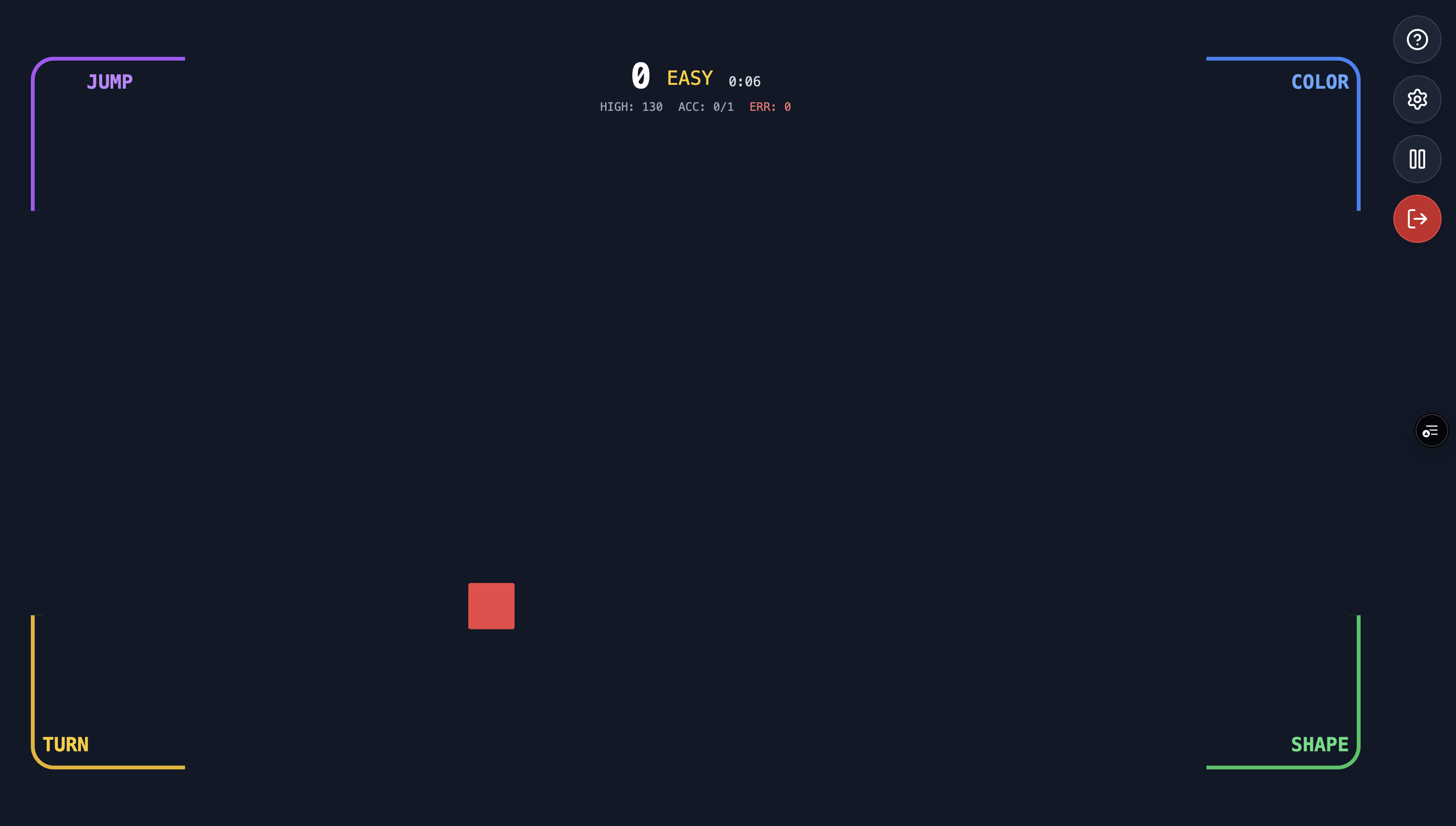
Vigilance 2 game screen: JUMP, COLOR, TURN, SHAPE buttons in the corners and the moving object

2. Catch the four changes

At pseudo-random intervals exactly one change happens; you press the matching button immediately:

  • COLOR: the object changed colour.
  • SHAPE: the object changed shape.
  • TURN: the object reversed its direction.
  • JUMP: the object skipped 3 positions in a single step.

Colour and shape changes are directly visible; TURN and JUMP hide inside the movement itself — these are the events candidates miss most.

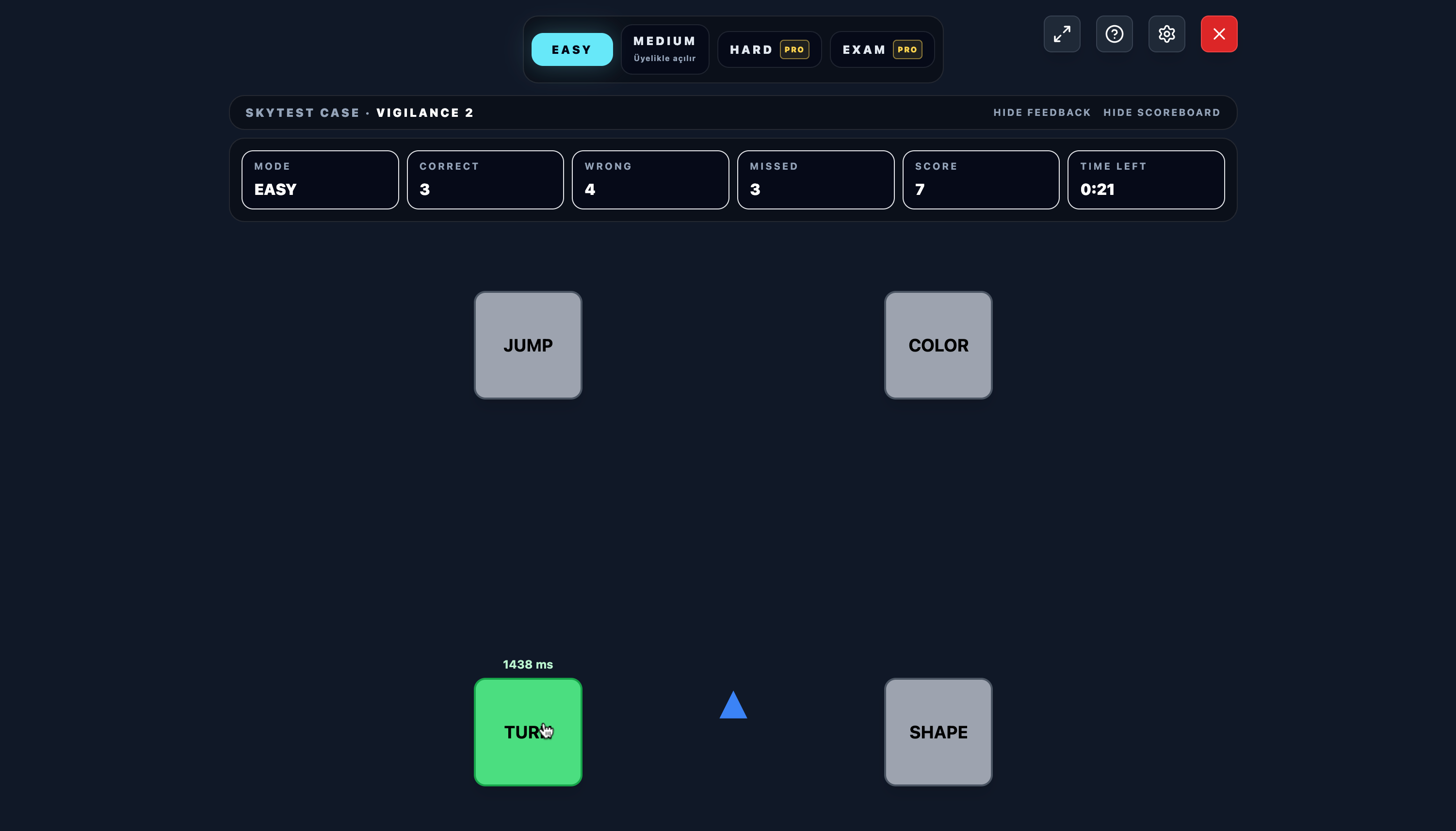
A correct press: the corner button turns green and the reaction time (ms) is shown — screenshot of this moment

3. Speed and scoring

A reaction within the first second earns full points, up to two seconds partial points; later reactions and wrong buttons cost points. As difficulty rises, the step speed drops from 2 seconds down to 0.8 seconds and events come more often.

On CadetPrep, an in-game coach walks you through all four event types on your first run, and a simplified 4-position practice mode is available.

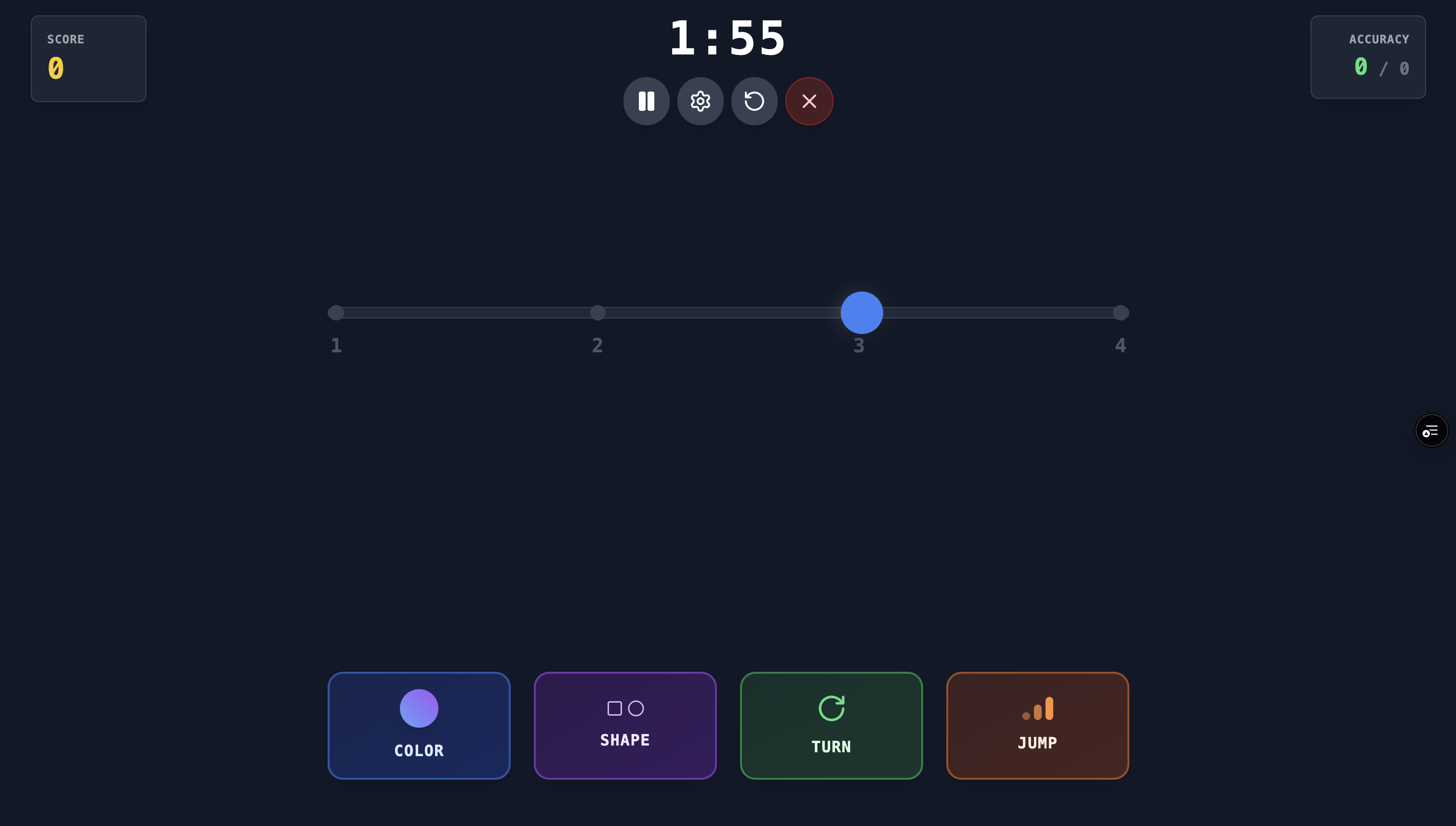
Vigilance 2 practice mode: linear 4-position track and the four coloured buttons
Exam structure

Exam structure

In the real exam the module runs as three back-to-back sections with no break. The practice section is not scored.

SectionDurationScoredOn CadetPrep
Practice2 minNoAvailable at all difficulty levels
Level 13 minYesEASY – MEDIUM
Level 210 minYesMEDIUM – HARD

The CadetPrep mock exam mirrors this exact flow; Level 1 corresponds to the EASY–MEDIUM pace on the platform, Level 2 to MEDIUM–HARD.

How to prepare

How to prepare

Tip 1

Lock the active rule set at the start.

Tip 2

Scan changes through the rule filter rather than treating each change equally.

Tip 3

Keep rhythm so difficulty in one sub-rule does not collapse the others.

Common mistakes

Most common candidate mistakes

Treating color or shape change alone as the target
Failing to mentally reset when rules shift
Following movement only instead of the full rule when the stream speeds up
FAQ

Frequently asked questions

Why is VI2 harder than VI1?

You must tell four different change types apart (JUMP, COLOR, TURN, SHAPE) and press the correct one of four buttons; as the pace rises, rule confusion grows.

Which button reports what?

JUMP (top-left) reports the 3-position skip, COLOR (top-right) a colour change, TURN (bottom-left) a direction reversal, SHAPE (bottom-right) a shape change.

How much time do I have to react?

Full points within the first second, partial points up to two seconds; anything later — or a wrong button — costs points.

Which events get missed most?

TURN and JUMP. Unlike colour and shape they are not directly visible; they demand uninterrupted tracking of the movement.

How many sections does VI2 have?

A 2-minute practice section (not scored), 3 minutes of Level 1 and 10 minutes of Level 2 — played back to back.

How should I train this module?

First turn the four event types into reflexes with the coached first run and the simplified practice mode; then work longer runs, raising the pace from EASY to HARD.

Try it free
SkyTest cockpit simulations open instantly in the browser.
Play Free