Updated
2026-07-10
CAP CAP CAP · Flight Capacity

Flight Capacity (CAP)

Flight Capacity (CAP) is the most cockpit-like module in CASE: you fly with an artificial horizon while handling visual, audio and memory tasks at the same time. Half of the total score comes from flight stability alone.

Flight Capacity
CadetPrep mapping
CAP
What is it?

What does this module measure?

CAP is one of the most cockpit-like loads in CASE, combining tracking with simultaneous side tasks.

CadetPrep's CAP simulation combines the flight, visual, audio and memory tasks into a single overall score, just like the real exam.

How to play

How to play

1. Flight task: stay inside the bands

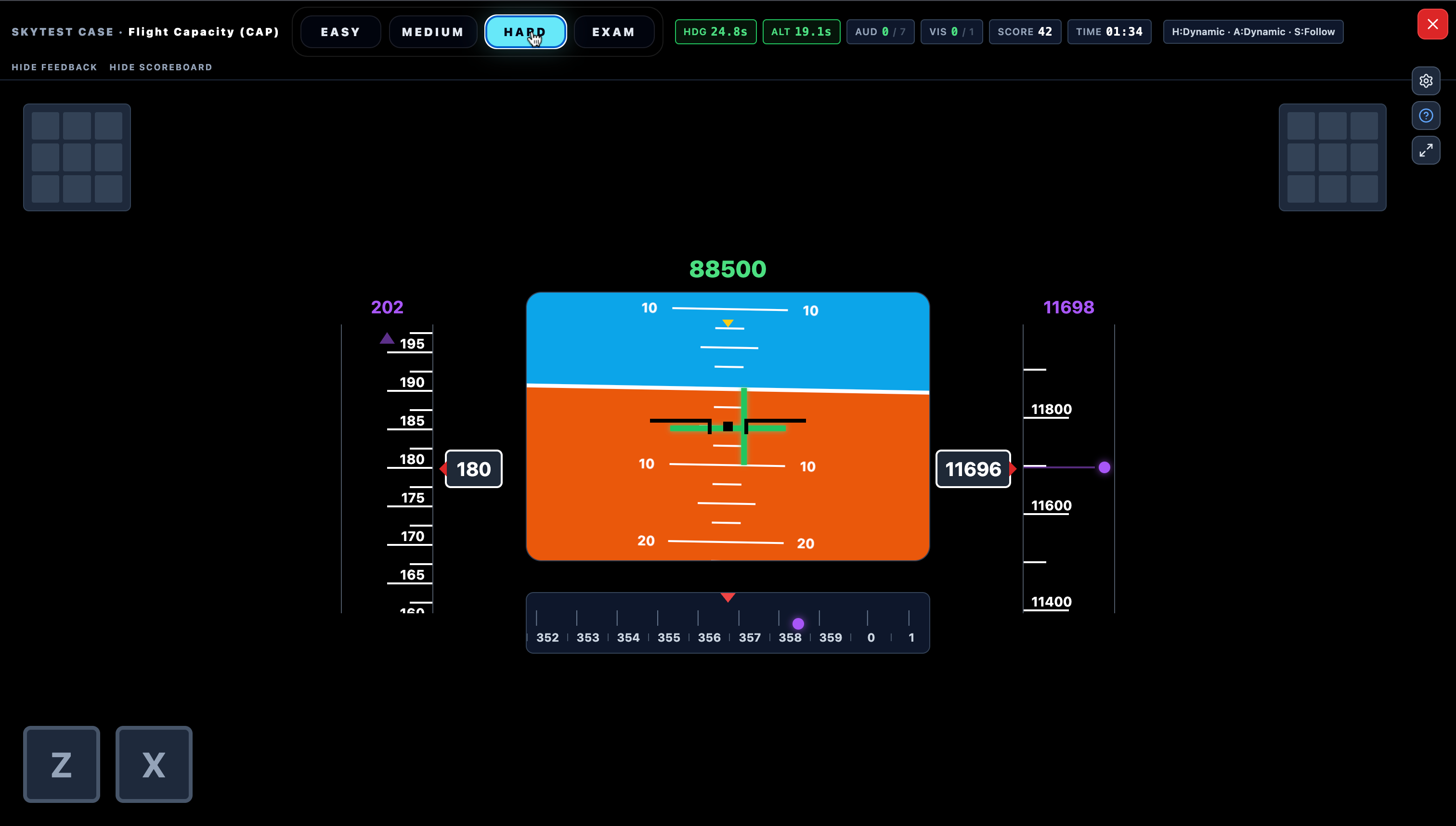
On the central PFD (artificial horizon) target values are drawn in purple; you bring the moving green lines onto the fixed black centre marks. ← → turn the nose; ↓ raises the nose (climb), ↑ lowers it (descend) — inverted, like a real yoke. Speed is set with W/S; a joystick works too.

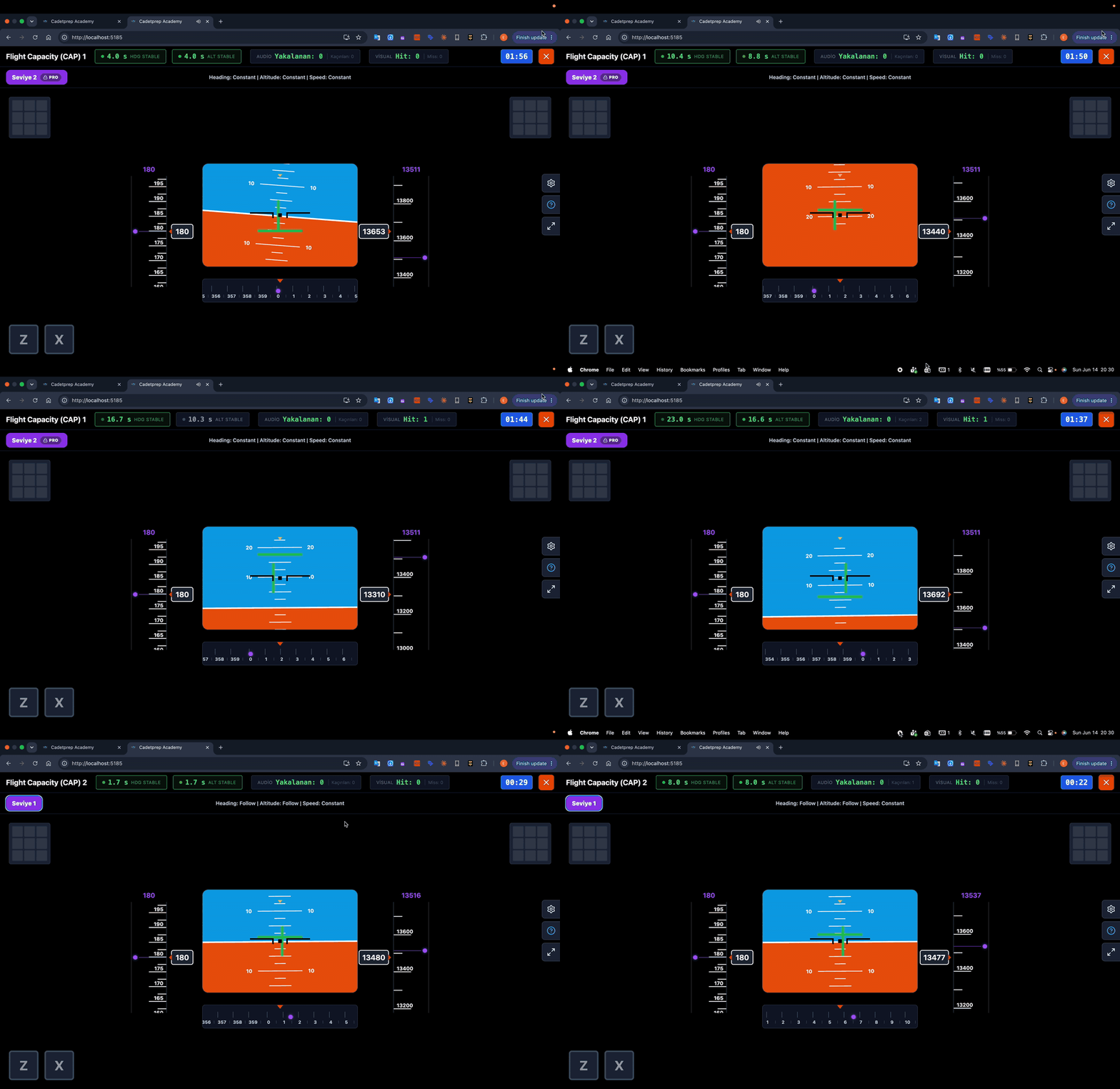
The goal is to hold heading within ±3° and altitude within ±200 ft; every second inside the bands scores. Turbulence constantly pushes you out. As difficulty rises the targets stop holding still: they drift (FOLLOW) and then jump (DYNAMIC).
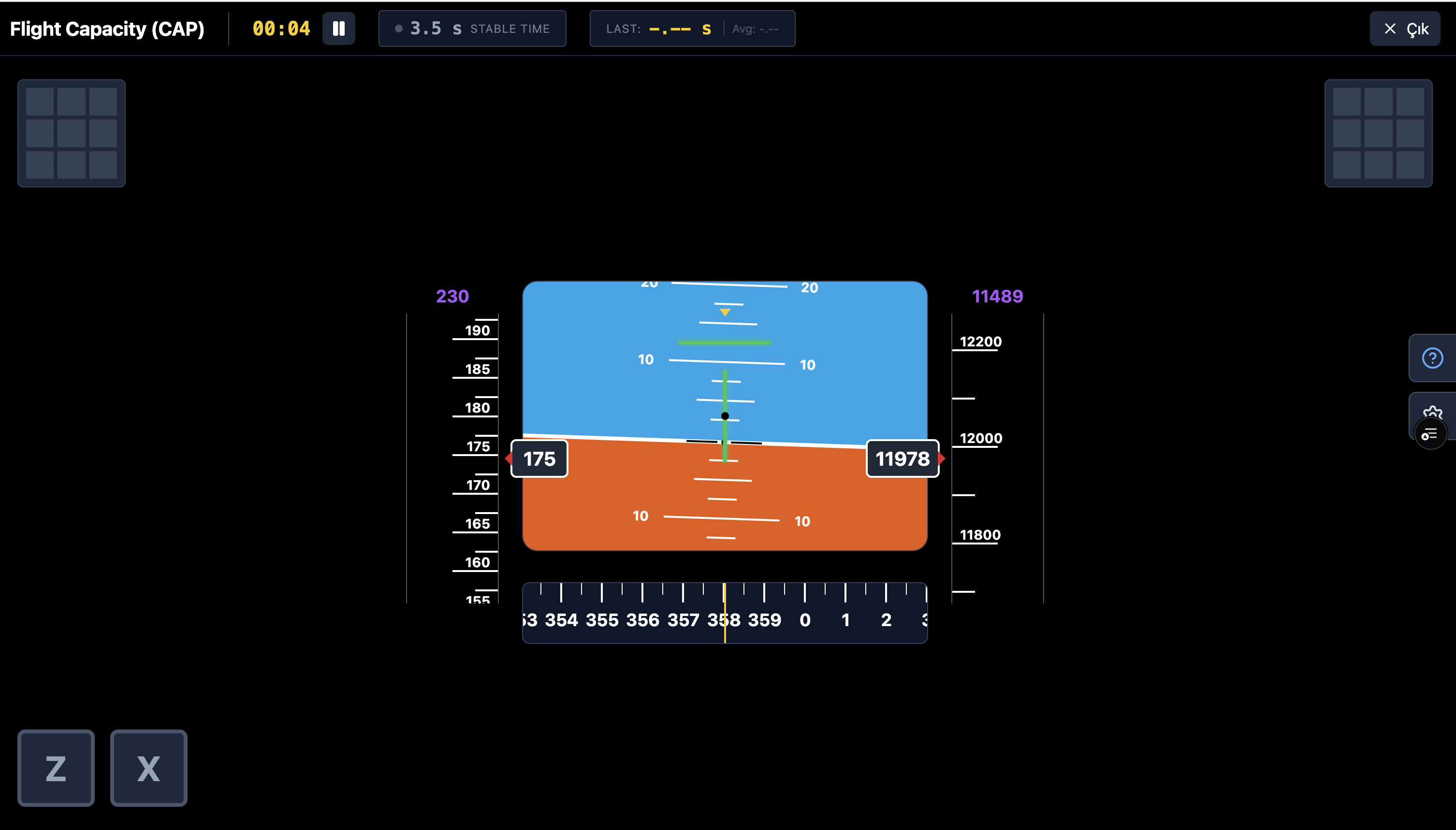
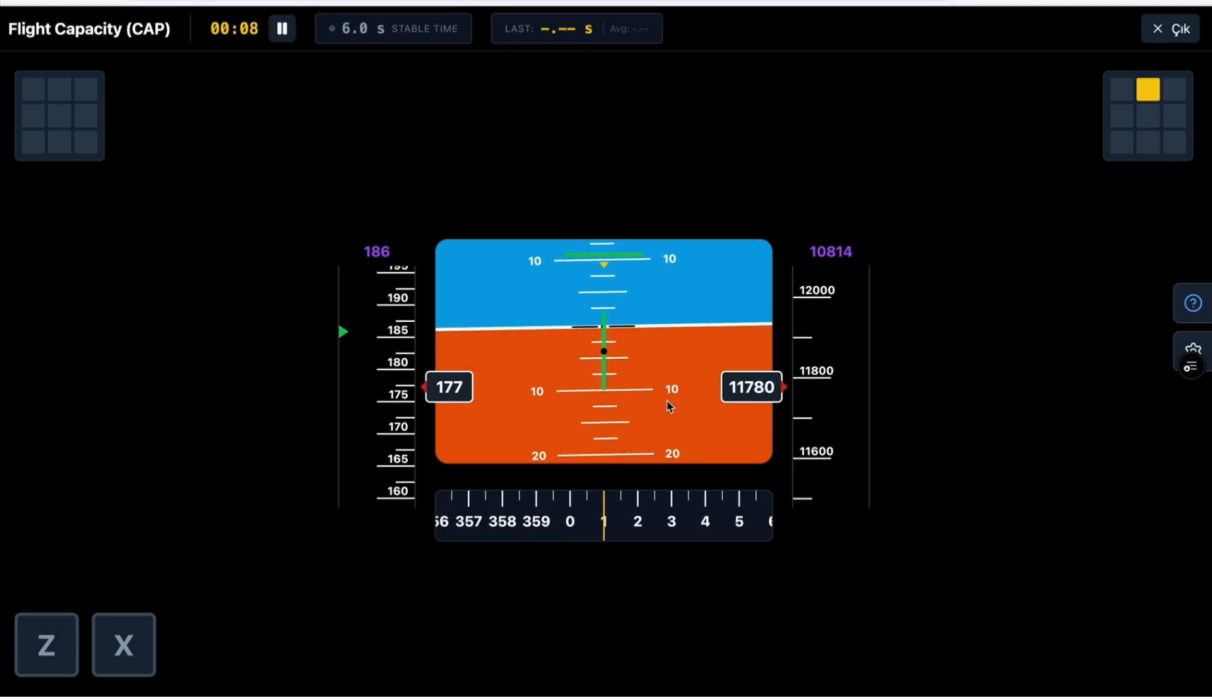
Flight Capacity cockpit: artificial horizon, speed and altitude tapes, 3×3 light panels and the Z/X buttons

2. Visual task: press the lit cell’s digit

A cell lights up yellow on one of the two 3×3 panels. The panel mirrors the keyboard number block: top row 7-8-9, middle 4-5-6, bottom 1-2-3. You press the digit matching the lit cell’s position within 5 seconds. Pressing digits when no task is active also costs points.

Flight Capacity visual task: a cell lit up on the right panel

3. Audio task: catch the odd/even streak

A digit from 1–9 is spoken every 2 seconds in the background. If the last three numbers are all even you press Z; all oddX; mixed → press nothing.

4. Memory task: type the two numbers back

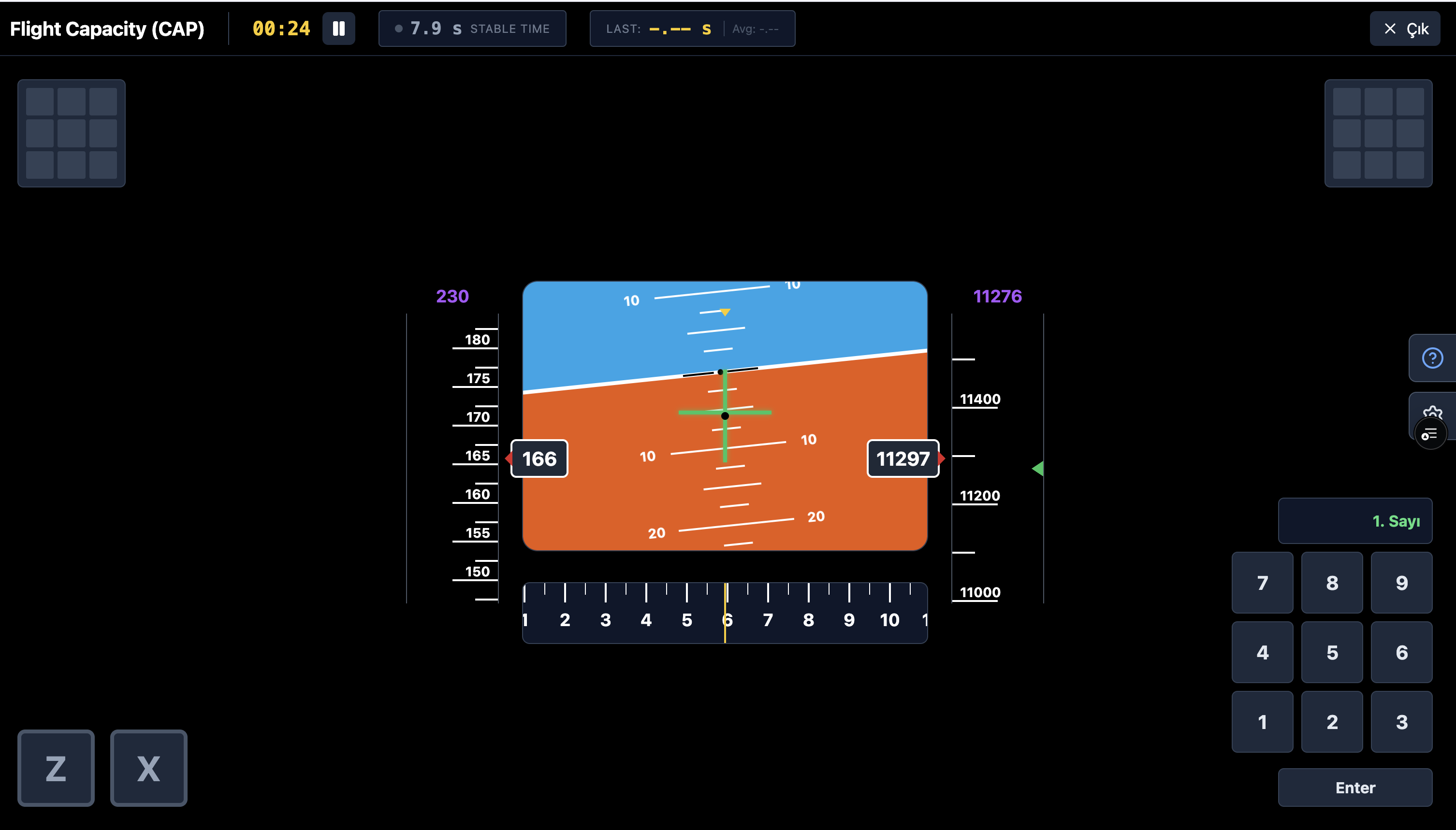
Two 5-digit numbers are shown one after another in the green box above the PFD — you keep flying while memorising. Then the game freezes and the numpad opens; you enter both numbers in order and confirm. Each number scores independently; missing the first does not void the second.

The green box above the PFD showing a 5-digit number (e.g. 48200) — screenshot of this moment
Flight Capacity memory input: the game frozen, numpad open, asking for the 1st number

5. Scoring

The total score is weighted: flight 50%, audio 20%, visual 15%, memory 15%. The flight score is time-based — the share of the run spent inside the bands, not a hit count. In the exam, difficulty escalates CONSTANT → FOLLOW → DYNAMIC; DYNAMIC is where most eliminations happen.

Exam structure

Exam structure

In the real exam the module runs as three back-to-back sections with no break. The practice section is not scored.

SectionDurationScoredOn CadetPrep
Practice2 minNoAvailable at all difficulty levels
Level 13 minYesEASY – MEDIUM
Level 210 minYesMEDIUM – HARD

The CadetPrep mock exam mirrors this exact flow; Level 1 corresponds to the EASY–MEDIUM pace on the platform, Level 2 to MEDIUM–HARD.

Video

Video walkthrough

Open on YouTube ↗
How to prepare

How to prepare

Tip 1

Keep flight stability as the spine of the task.

Tip 2

Process side tasks without breaking the main control loop.

Tip 3

Do not let delay in one sub-module poison the rest.

Common mistakes

Most common candidate mistakes

Sacrificing flight stability for side tasks
Getting stuck in audio or memory and losing the visual stream
Trying to rescue one sub-module while dragging down the overall score
FAQ

Frequently asked questions

What does CAP measure?

The most cockpit-like multitasking load: flight stability, visual reaction, auditory attention and memory accuracy at once. The score weights are flight 50%, audio 20%, visual 15%, memory 15%.

How do the flight controls work?

← → turn the nose; ↓ raises the nose (climb) and ↑ lowers it (descend) — inverted, like a real yoke. Speed is set with W/S; a joystick is supported too.

Which bands must I stay inside?

±3° on heading and ±200 ft on altitude. Every second inside the bands scores; speed is tracked but not part of the total score.

How does difficulty rise?

The targets change behaviour: they hold still on EASY (CONSTANT), drift on MEDIUM (FOLLOW) and jump on HARD (DYNAMIC). DYNAMIC is where most eliminations happen.

How is the memory task scored?

The two 5-digit numbers score independently; missing the first does not void the second.

How many sections does CAP have?

A 2-minute practice section (not scored), 3 minutes of Level 1 and 10 minutes of Level 2 — played back to back.

Try it free
SkyTest cockpit simulations open instantly in the browser.
Play Free