1. See the starting face
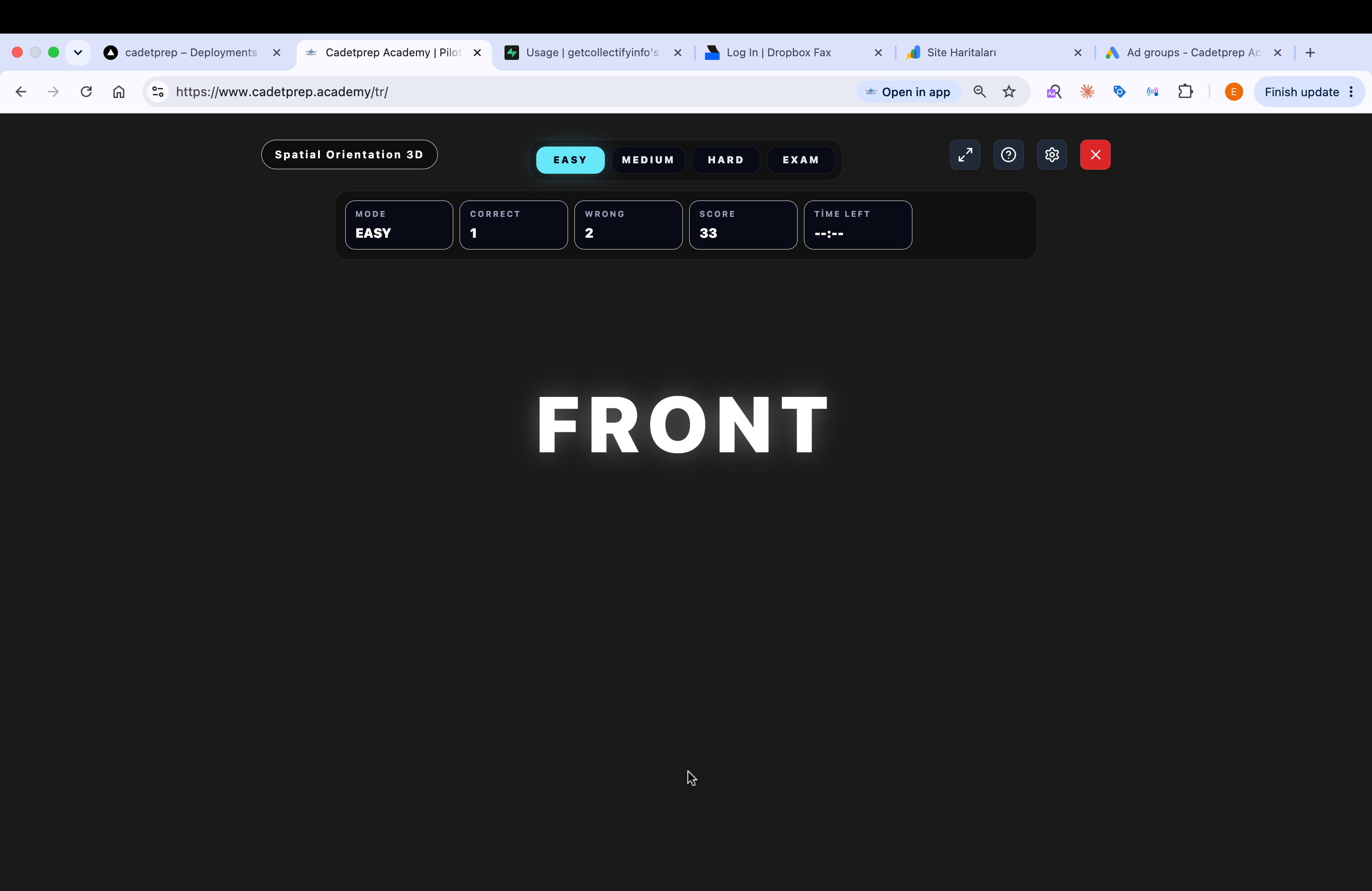
The question first shows the face where the marker (X) starts, written as text such as FRONT, TOP, or LEFT. The cube always faces you, so the face pointing toward you is always FRONT.
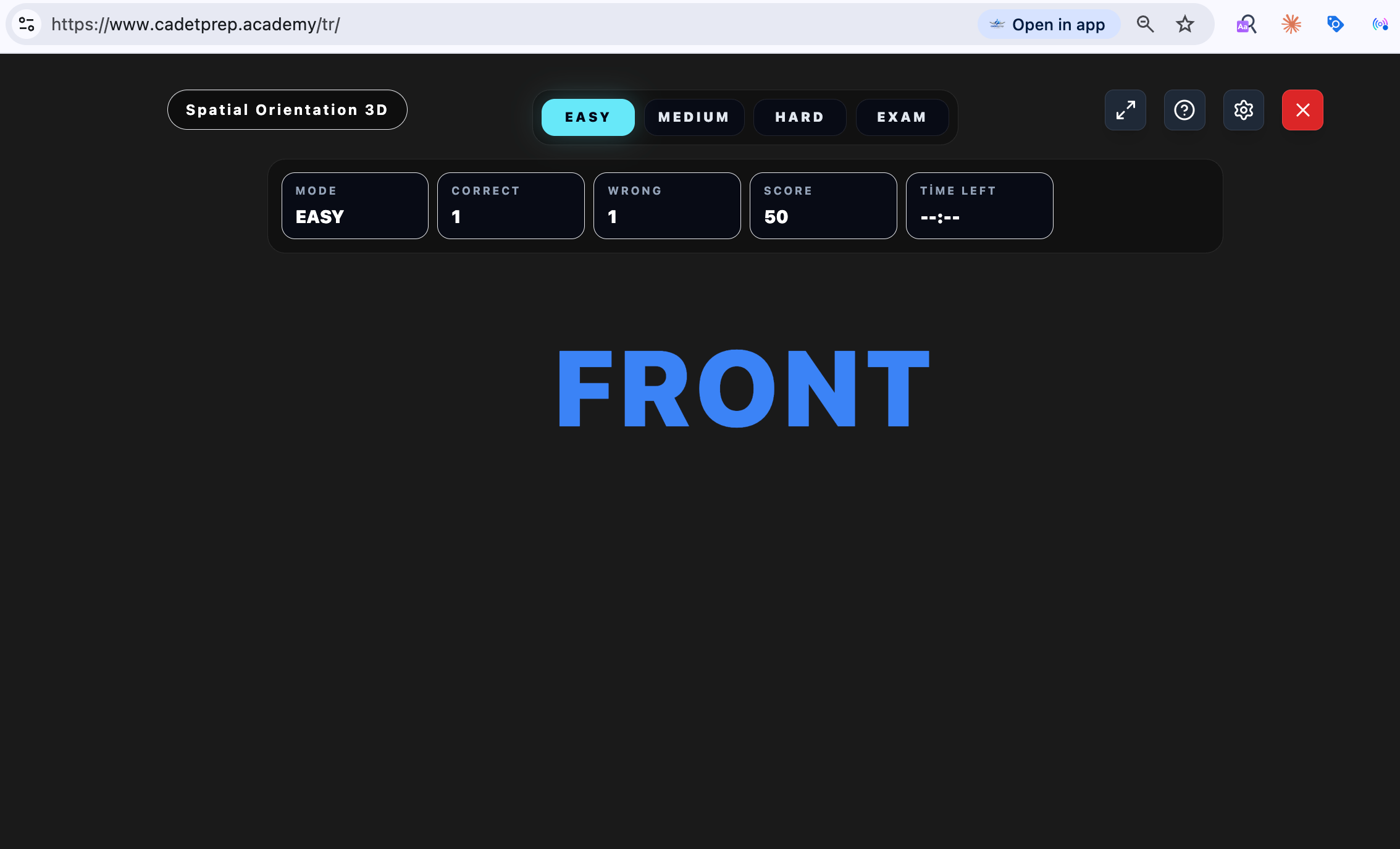
Spatial Orientation 3D — the official SkyTest code is DM3 — measures how accurately you can track which face a marker ends up on after a sequence of rotation instructions on a cube. It requires three-dimensional mental rotation and short-term memory. It is one of the modules used in the Pegasus CASE assessment.
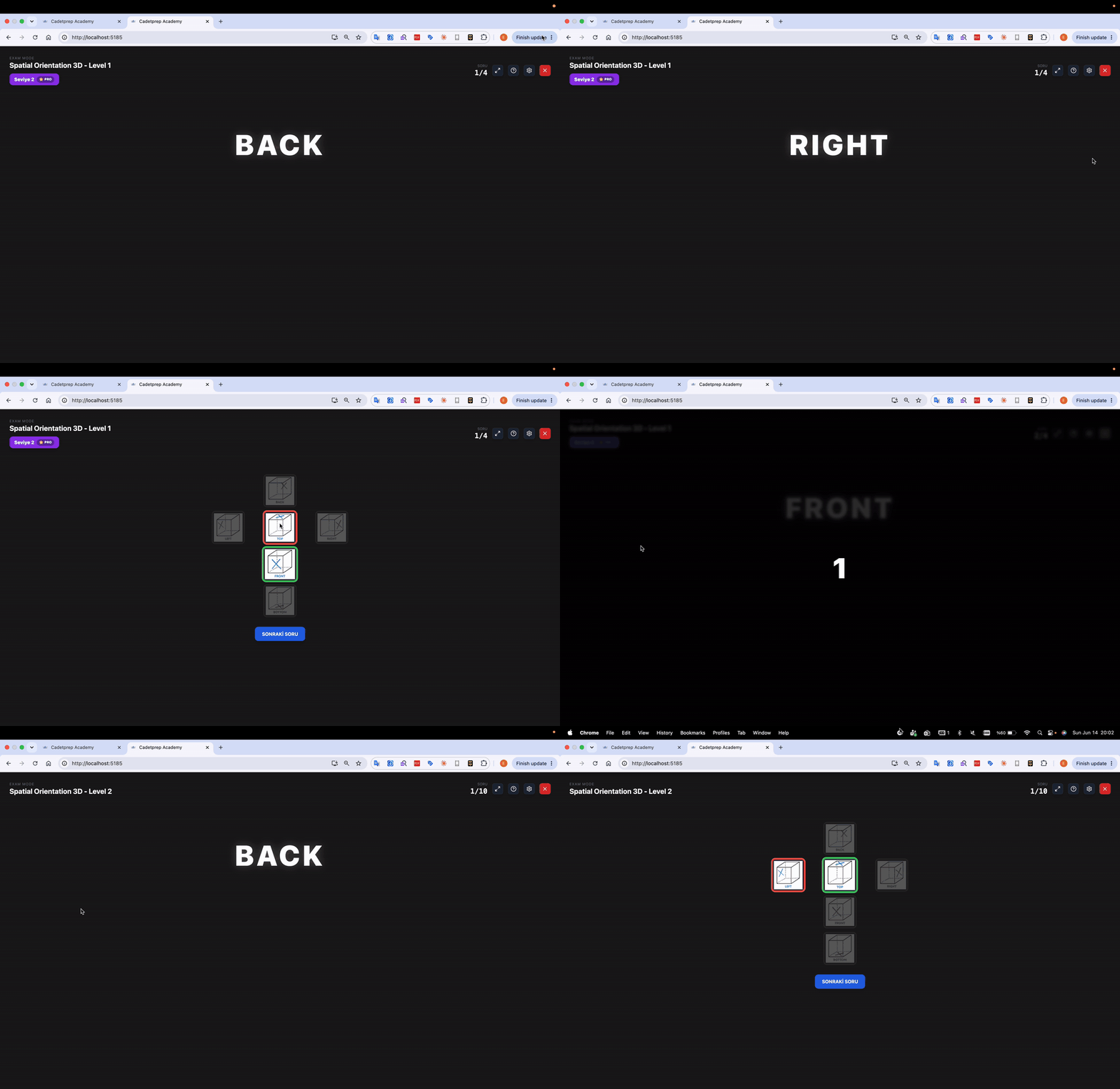
The question first shows the face where the marker (X) starts, written as text such as FRONT, TOP, or LEFT. The cube always faces you, so the face pointing toward you is always FRONT.
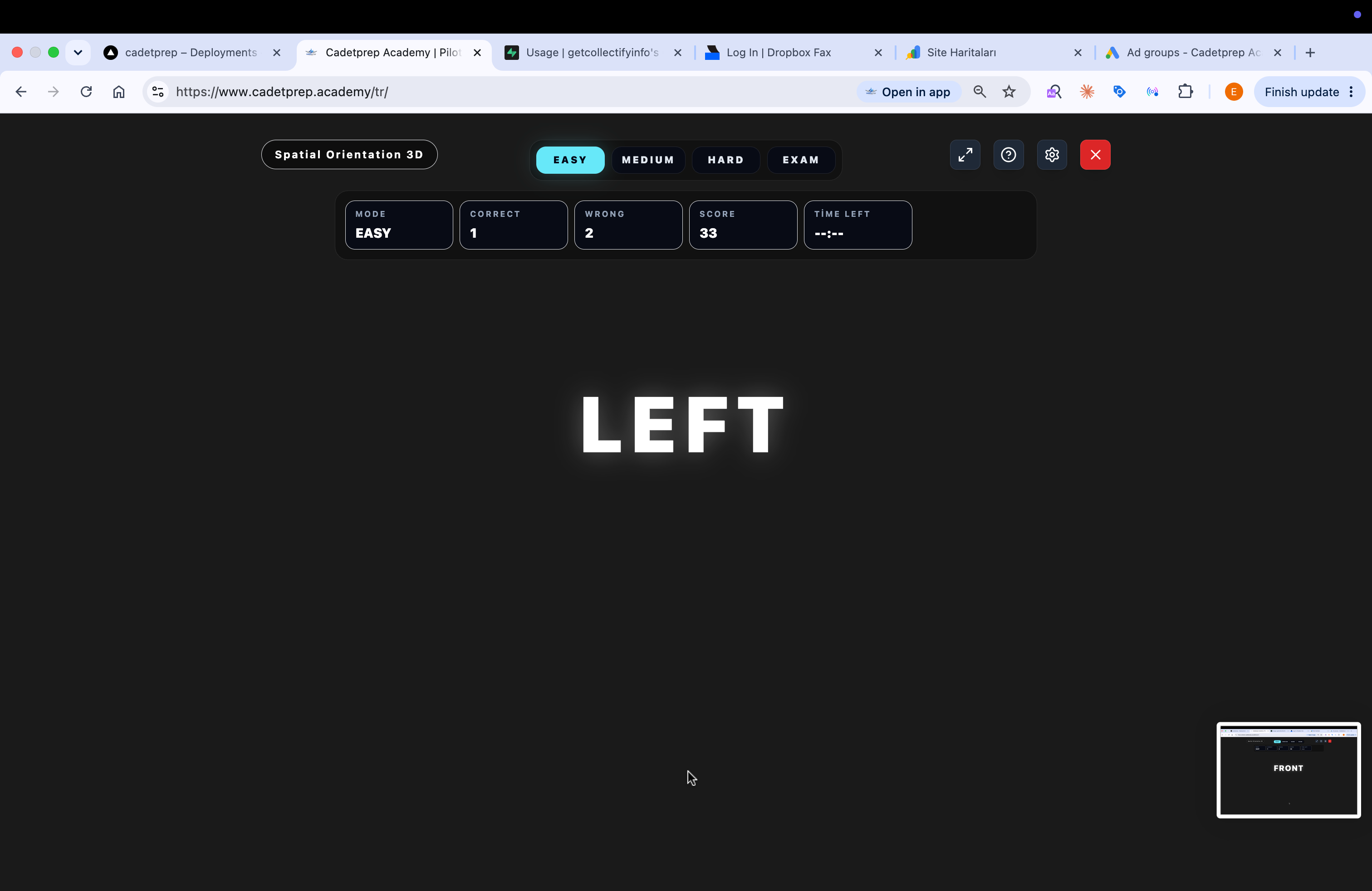
The instructions then appear one by one in white text. FRONT, BACK, LEFT, and RIGHT can appear in mixed order. Each instruction rolls the cube 90° in that direction. The marker advances one step inside that instruction cycle; if it sits on an unaffected face, it stays where it is.
| Instruction | Marker advances through | Unaffected faces |
|---|---|---|
| FRONT | TOP → FRONT → BOTTOM → BACK → TOP | LEFT, RIGHT |
| BACK | TOP → BACK → BOTTOM → FRONT → TOP | LEFT, RIGHT |
| LEFT | TOP → LEFT → BOTTOM → RIGHT → TOP | FRONT, BACK |
| RIGHT | TOP → RIGHT → BOTTOM → LEFT → TOP | FRONT, BACK |
The instructions do not stay on the screen as a list, so you must keep both the sequence and the marker’s current face in memory.
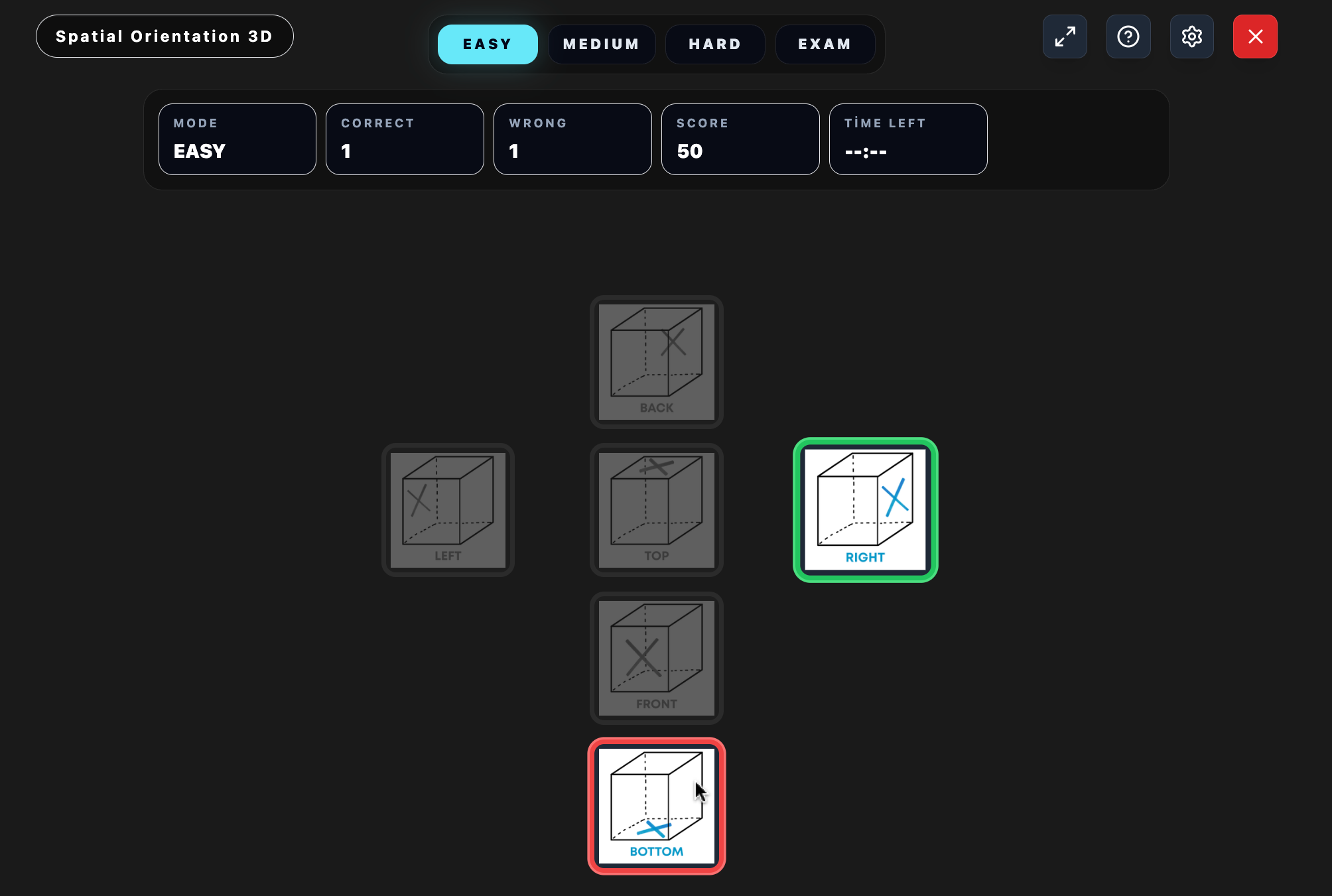
After the final instruction, 6 cubes appear, each showing the marker on a different face: BACK, LEFT, TOP, FRONT, RIGHT, and BOTTOM. You choose the cube whose marked face matches the marker’s final position.
Start: the marker is on the TOP face.
1. FRONT → the marker moves from TOP to FRONT.
2. LEFT → during a LEFT roll, FRONT stays fixed, so the marker remains on FRONT.
3. FRONT → the marker moves from FRONT to BOTTOM.
4. RIGHT → during a RIGHT roll, BOTTOM moves to LEFT, so the marker ends on LEFT.
5. RIGHT → during a RIGHT roll, LEFT moves up to TOP, so the marker returns to TOP.
6. RIGHT → during a RIGHT roll, TOP moves to RIGHT, so the marker finishes on RIGHT.
Result: the marker is on the RIGHT face, so the correct answer is the cube that shows the marker on RIGHT.
Use the step buttons below to watch how the cube rotates at each stage of the example.
Start: the marker is on the TOP face.
The module has three parts, played back to back without breaks:
| Section | Duration | Scored | Instruction count | Feedback |
|---|---|---|---|---|
| Practice | 3 min | No | 4 | Right/wrong is shown |
| Level 1 | 3 min | Yes | 4 | Right/wrong is shown |
| Level 2 | 10 min | Yes | 4-8 | Hidden; the next item starts immediately |
On CadetPrep, you can practise this module at Easy / Medium / Hard levels and then measure yourself with EXAM Mode or the full mock exam that mirrors the real test structure.
It is a SkyTest CASE module that measures how accurately you can track which face a marked side ends up on after a sequence of cube-rotation instructions.
First you see the starting face of the marker, then the rotation instructions appear one by one. After the final instruction, a 6-cube answer screen appears.
No. The marker can start on any face, such as TOP, FRONT, or LEFT, and it can change from one question to the next.
Each instruction rolls the cube 90 degrees in that direction. The marker advances one step inside that instruction cycle; if it is on an unaffected face, it stays where it is.
There are three sections: a 3-minute practice block that is not scored, a 3-minute Level 1 block that is scored, and a 10-minute Level 2 block that is scored. Practice and Level 1 show right/wrong feedback; Level 2 does not.
It appears in the Pegasus CASE pilot-selection process.