Updated
2026-07-10
CPT CAPACITY CPT · Capacity Test

Capacity Test (CPT)

The Capacity Test (CPT) splits the screen in two: a continuous flying task on the left and a careful matching task on the right. The goal is to keep both running at once — one of the most typical divided-attention loads in CASE.

Capacity Test
CadetPrep mapping
CAPACITY
What is it?

What does this module measure?

CPT is one of the clearest examples of CASE workload: do one task without dropping the others.

CadetPrep's CAPACITY simulation rehearses that load through manageable side-task layers.

How to play

How to play

1. Flight task: fly through the gates

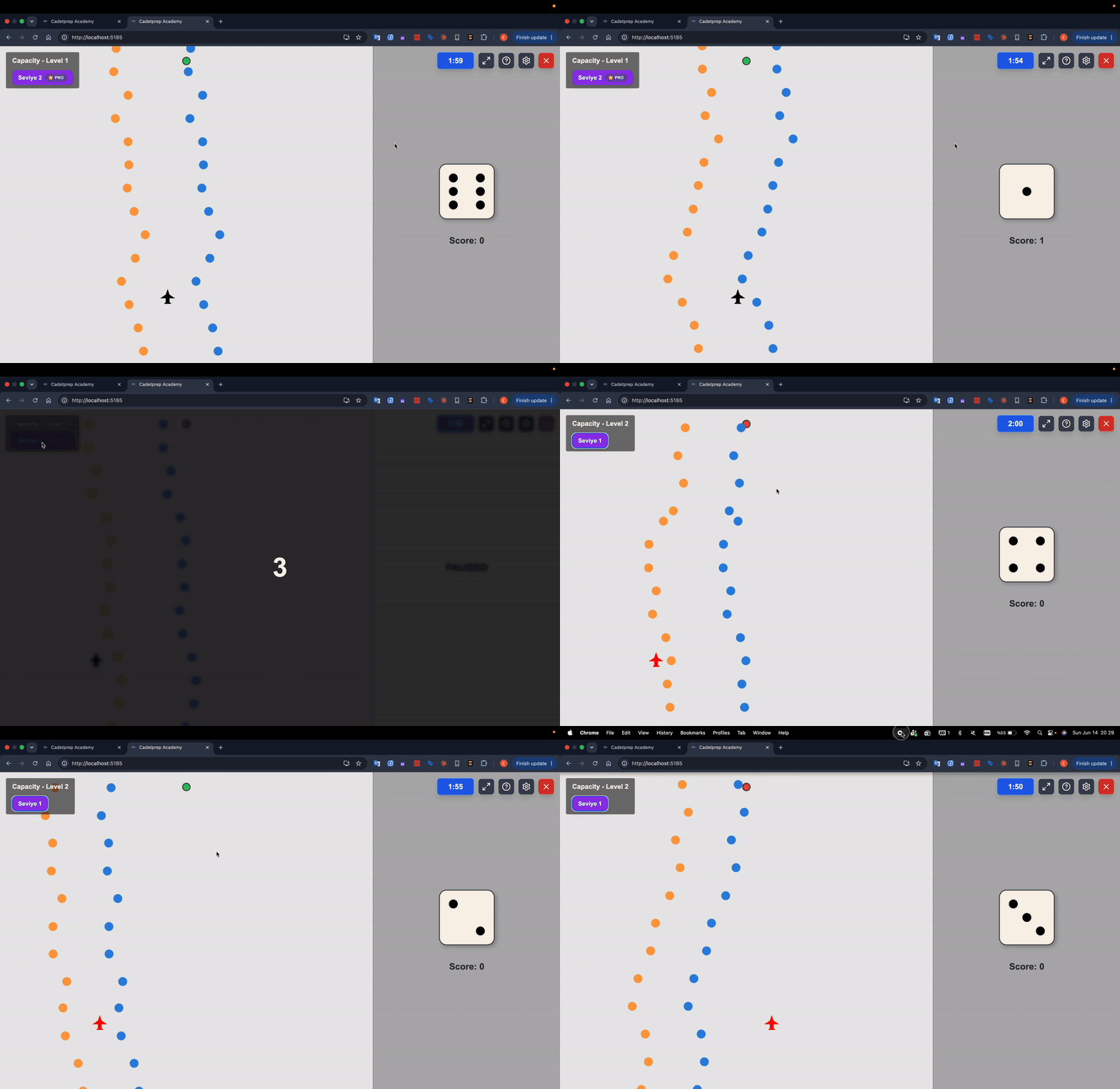
On the left panel you steer the plane left and right with the arrow keys (or a joystick). Orange-blue dot pairs (gates) scroll down from the top; you must pass through the gap of every gate. Hitting a dot or passing outside the gap counts as a fail.
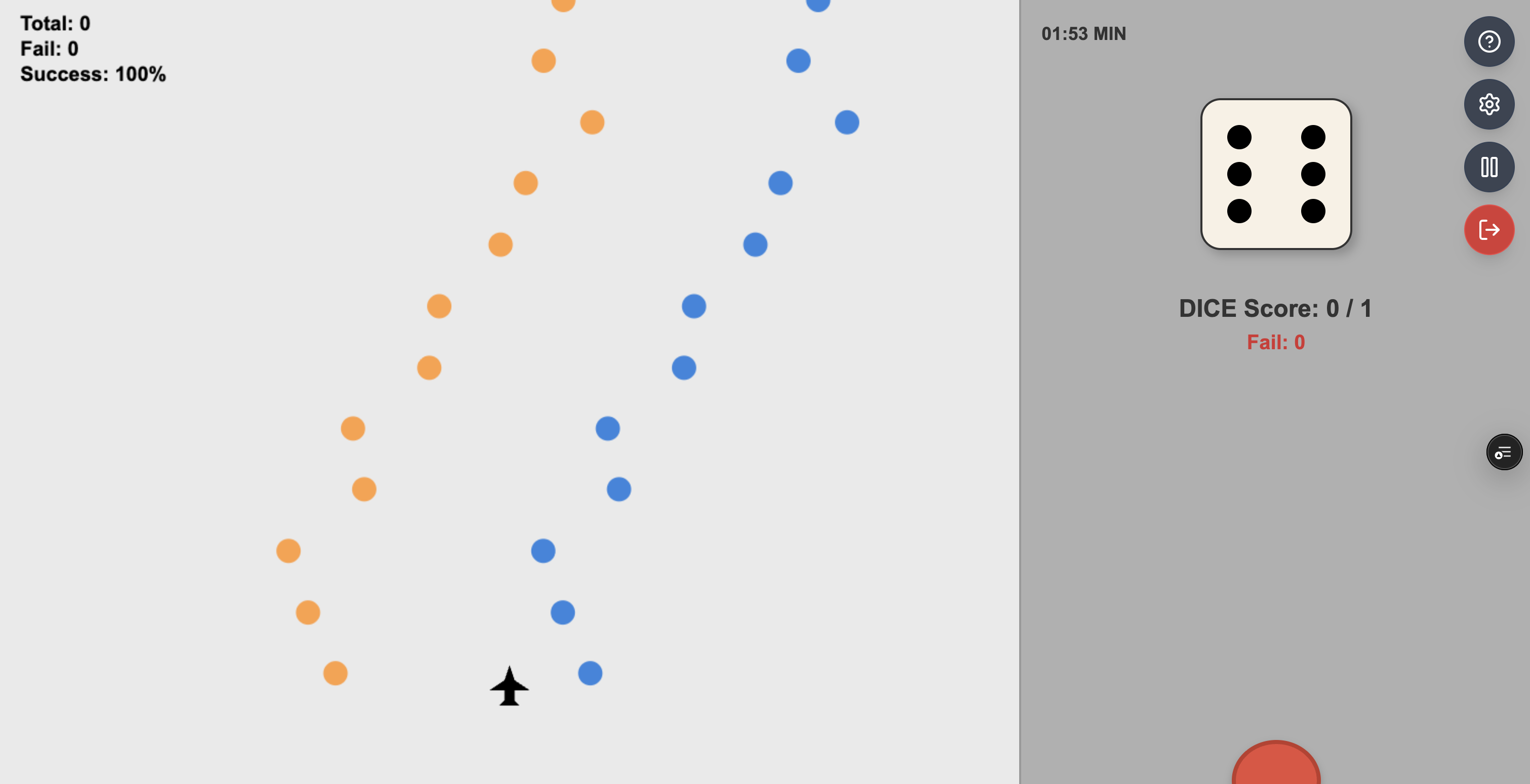
Capacity Test: the plane flying through gates on the left, the DICE task on the right

2. DICE task: match the reference

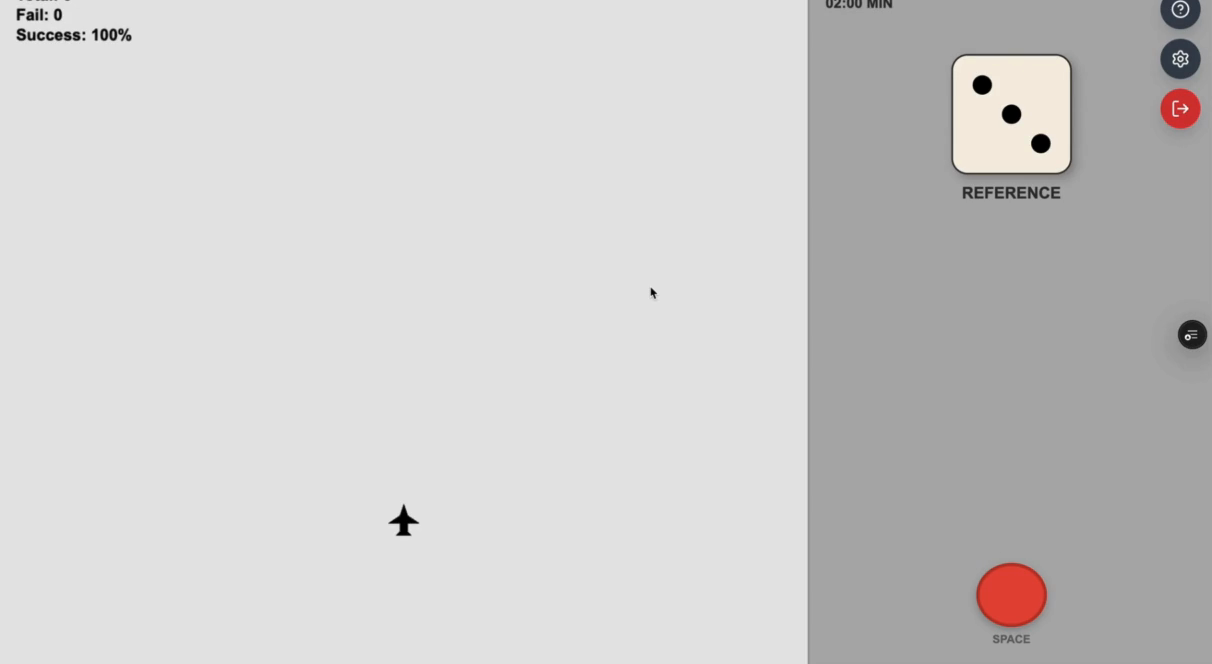
At the start of the run a die is shown on the right panel labelled REFERENCE. Then dice change one by one: if the shown die equals the reference you press SPACE; if not, you do nothing.

At intervals a new reference die is shown, again labelled REFERENCE — keeping the current reference in memory is the real load of this task.

Capacity Test: the reference die shown with the REFERENCE label

3. ROD task: compare the two figures

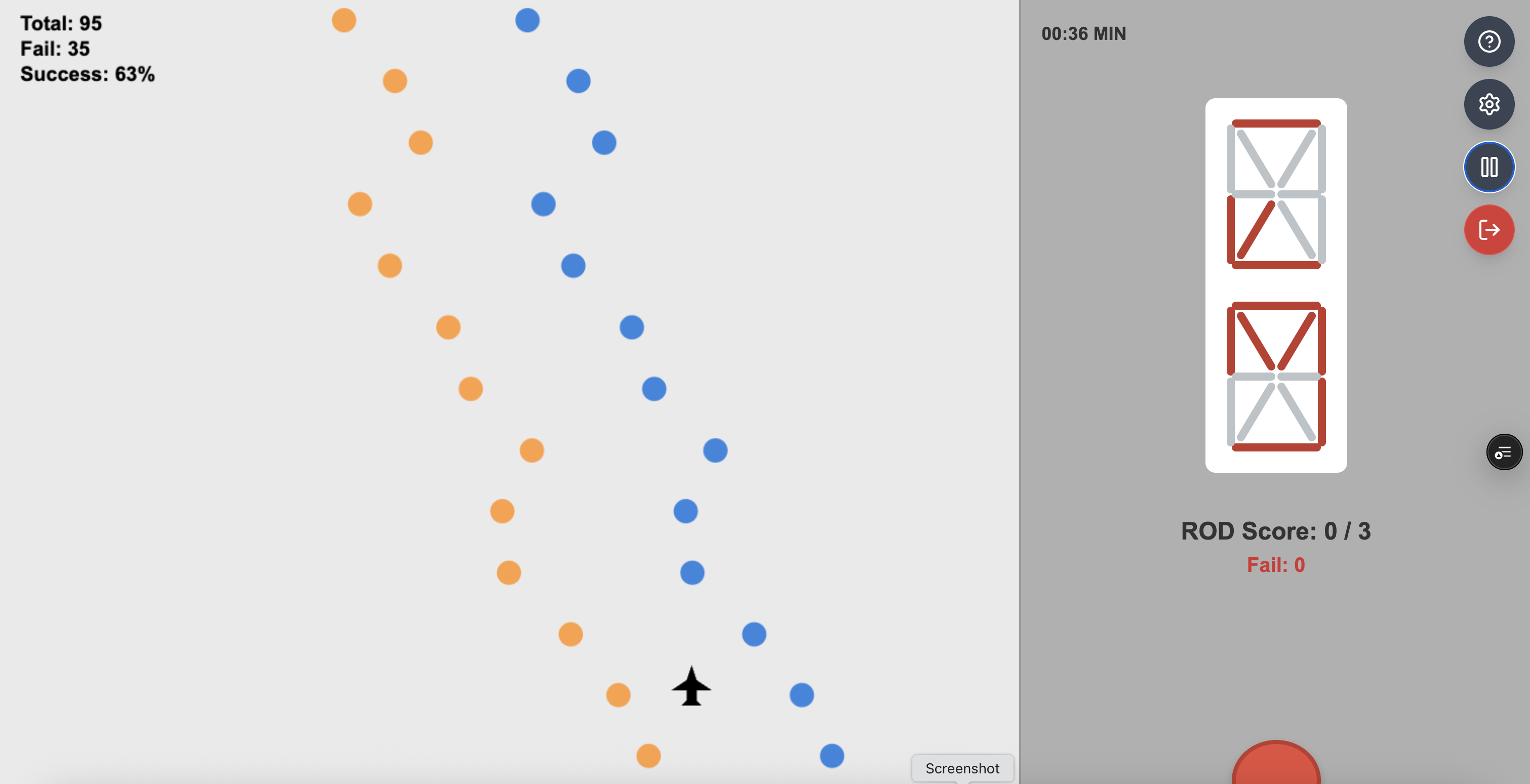
In the second half of the run the ROD task replaces the dice: two stick figures are stacked vertically. If the red-segment patterns are identical you press SPACE; if even one segment differs, you do nothing.

Capacity Test ROD task: comparing the two stacked stick figures

4. Scoring

Separate percentages are computed for flight, DICE and ROD (gates passed, matches caught); the overall score is their average. Fixating on one task while dropping the other pulls the average down fast.

Exam structure

Exam structure

In the real exam the module runs as three back-to-back sections with no break. The practice section is not scored.

SectionDurationScoredOn CadetPrep
Practice2 minNoAvailable at all difficulty levels
Level 13 minYesEASY – MEDIUM
Level 210 minYesMEDIUM – HARD

The CadetPrep mock exam mirrors this exact flow; Level 1 corresponds to the EASY–MEDIUM pace on the platform, Level 2 to MEDIUM–HARD.

How to prepare

How to prepare

Tip 1

Separate the primary task from the side tasks in your head.

Tip 2

Preserve priority order instead of giving identical energy to every stream.

Tip 3

If you miss one sub-task, do not abandon the others.

Common mistakes

Most common candidate mistakes

Fixating too hard on one stream
Detecting side tasks too late
Losing the full flow after one error
FAQ

Frequently asked questions

What does CPT measure?

Divided attention: keeping continuous flight control on the left while running the reference-matching task (DICE/ROD) on the right at the same time.

What is the DICE rule?

You memorise the die shown with the REFERENCE label at the start. From then on you press SPACE only when the shown die equals the reference. The reference renews at intervals.

When does the ROD task start?

It replaces the dice in the second half of the run: press SPACE only when the two stacked stick figures are identical; if even one segment differs, do nothing.

How is the score calculated?

Separate percentages are computed for flight (gates passed) and for DICE and ROD (matches caught); the overall score is their average.

How many sections does CPT have?

A 2-minute practice section (not scored), 3 minutes of Level 1 and 10 minutes of Level 2; the pace rises noticeably in Level 2.

How should I train this module?

Use practice mode to switch tasks on one at a time and automate each separately, then combine them. Short daily repetitions beat one long session.

Try it free
SkyTest cockpit simulations open instantly in the browser.
Play Free